Proven over 15 years in hosting. Your VPS with BeAdmin is ready to go out of the box.
 Germany
 Netherlands
 Sweden
 Switzerland
 Spain
Spain USA
USA
The WireGuard module in the BeAdmin panel runs your own VPN on the server based on the modern WireGuard protocol: a compact codebase, current cryptography (Curve25519, ChaCha20, Poly1305), and fast connections even on mobile networks. Each user gets a key pair and a ready‑to‑use .conf configuration file — the server side, including the network interface and keys, is set up by the panel itself.
The WireGuard protocol is recognizable to DPI filters — where the ISP actively blocks VPNs, Amnezia or Xray are a better fit.
This article walks through the minimum scenario: install the module, create the first user, and connect a client device.
ℹ️ Note
Your own VPN server pays off compared with commercial services: bandwidth is not split between hundreds of clients, and the number of users in the BeAdmin WireGuard module is not capped even on the free licence.
⚠️ ISP restrictions
Traffic encryption makes a VPN a reliable way to protect a connection, but in some countries and regions internet providers actively interfere with VPN protocols. Because of this, full availability of the service cannot be guaranteed — regardless of the connection type. If one protocol does not work for you, try another VPN module available in the panel. If none of them work on your network, contact support and we will issue a refund for the license.
You'll need a server with BeAdmin — our partners ship a ready‑to‑use VPS the moment you order.
Proven over 15 years in hosting. Your VPS with BeAdmin is ready to go out of the box.
GermanyNetherlandsSwedenSwitzerlandSpainUSAEuropean reliability made simple. Launch BeAdmin with your VPS in just one click.
GermanyNetherlandsSweden Estonia
 RomaniaSwitzerlandSpain
'%3e%3cpath%20fill='%2300008b'%20d='M0%200h384v256H0z'/%3e%3cpath%20stroke='%23fff'%20stroke-width='42'%20d='m1.914-.001%20382.086%20256m-382.086%200L384-.001'/%3e%3cpath%20stroke='red'%20stroke-width='14'%20d='M5.437%200%20192%20122M378.563%200%20192%20122M5.437%20256%20192%20134m186.563%20122L192%20134'/%3e%3cpath%20fill='%23fff'%20d='M157.787-.001h68.359v256h-68.359z'/%3e%3cpath%20fill='%23fff'%20d='M-.067%2093.999H384v68H-.067z'/%3e%3cpath%20fill='red'%20d='M384%20107.789H211.862V-.001h-39.724l.001%20107.79H0v40.419h172.139v107.79h39.723v-107.79H384z'/%3e%3c/g%3e%3c/svg%3e) United KingdomUSA
United KingdomUSAIn the side menu open VPN → WireGuard and click Install — the module installs with a single button and is ready to use right after. On install, WireGuard takes UDP port 443 — it is rarely blocked. If 443 is already taken — Nginx or Apache is installed, or another BeAdmin module holds it — the panel picks 51820, the standard WireGuard port.
You can choose a different port during installation with the Custom installation button. If the port you chose is taken, the module installs but won't start until the port is freed. You can also change the port later — see Managing the module.
When installation finishes, the panel takes you straight to the Users page — the module's main screen. Installation usually takes a few minutes; you can follow the progress via the Log button on the install card.
The page header exposes the core module actions — start, stop, and restart. The three-dot menu groups the rest: Logs, module settings, update check and run, reinstall, and uninstall.
To get started, create the first user.
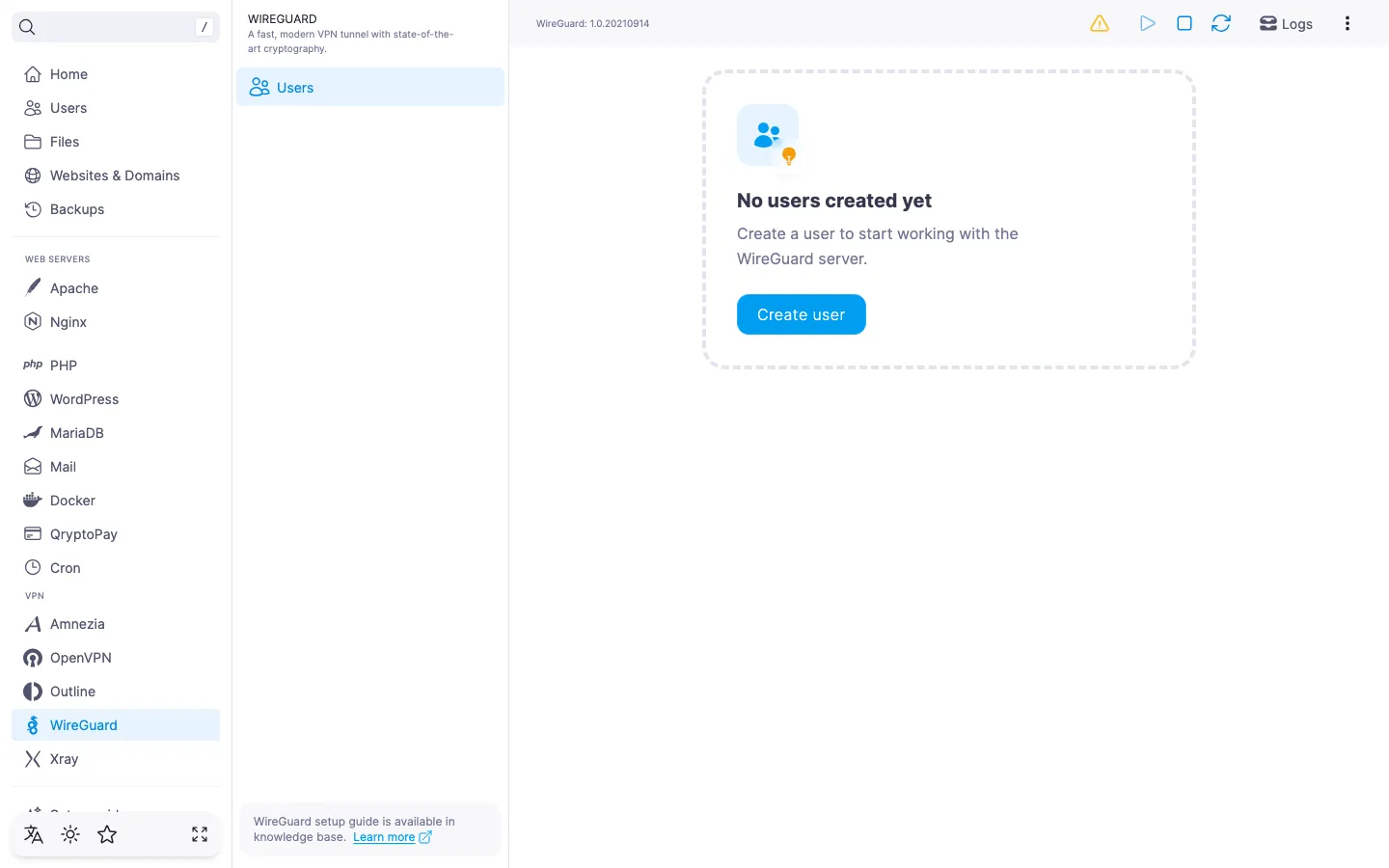
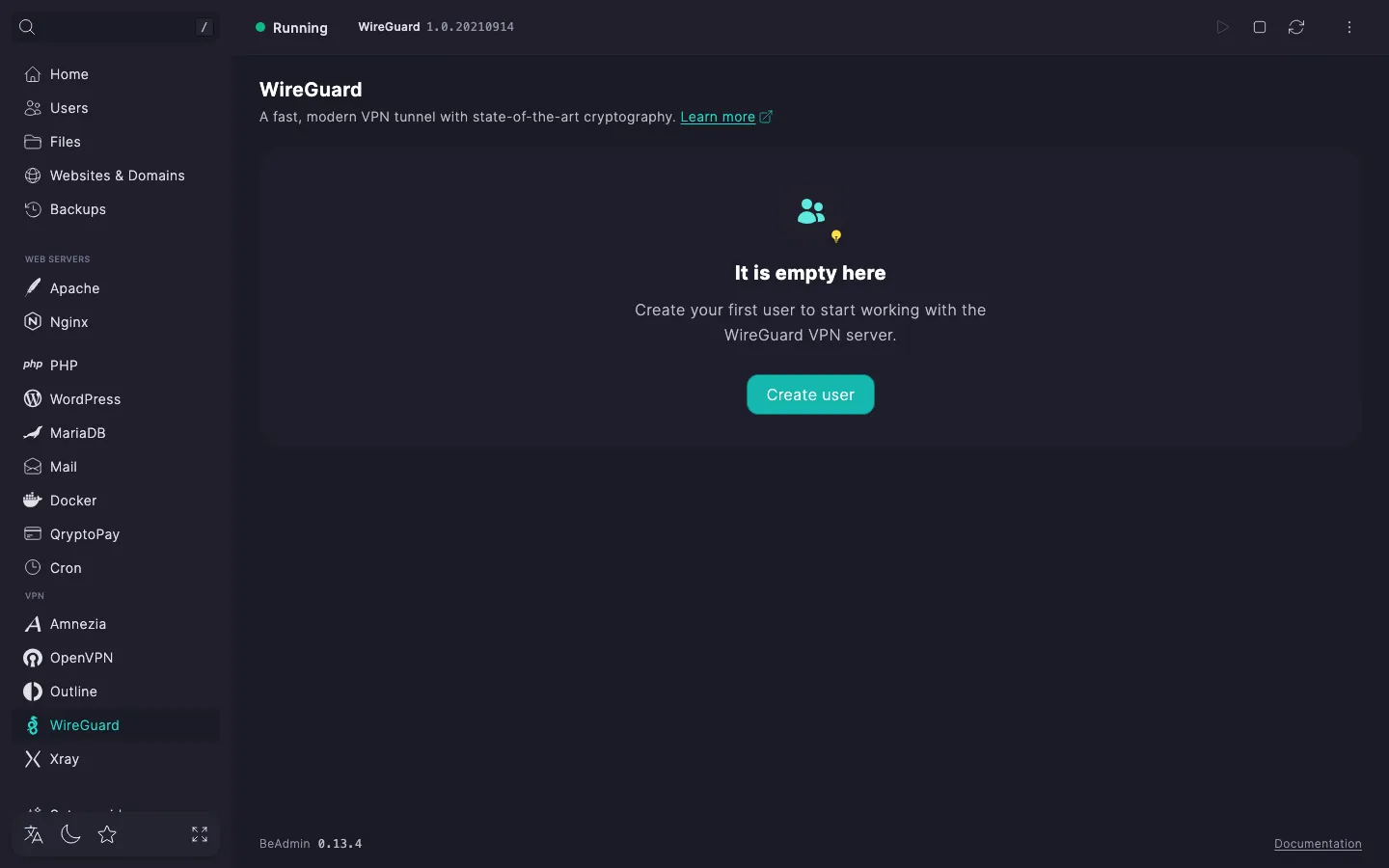
A WireGuard user is a separate account with its own key pair and .conf configuration file. We recommend creating a separate user per device that will connect: that way you can revoke access for a single device without touching the others.
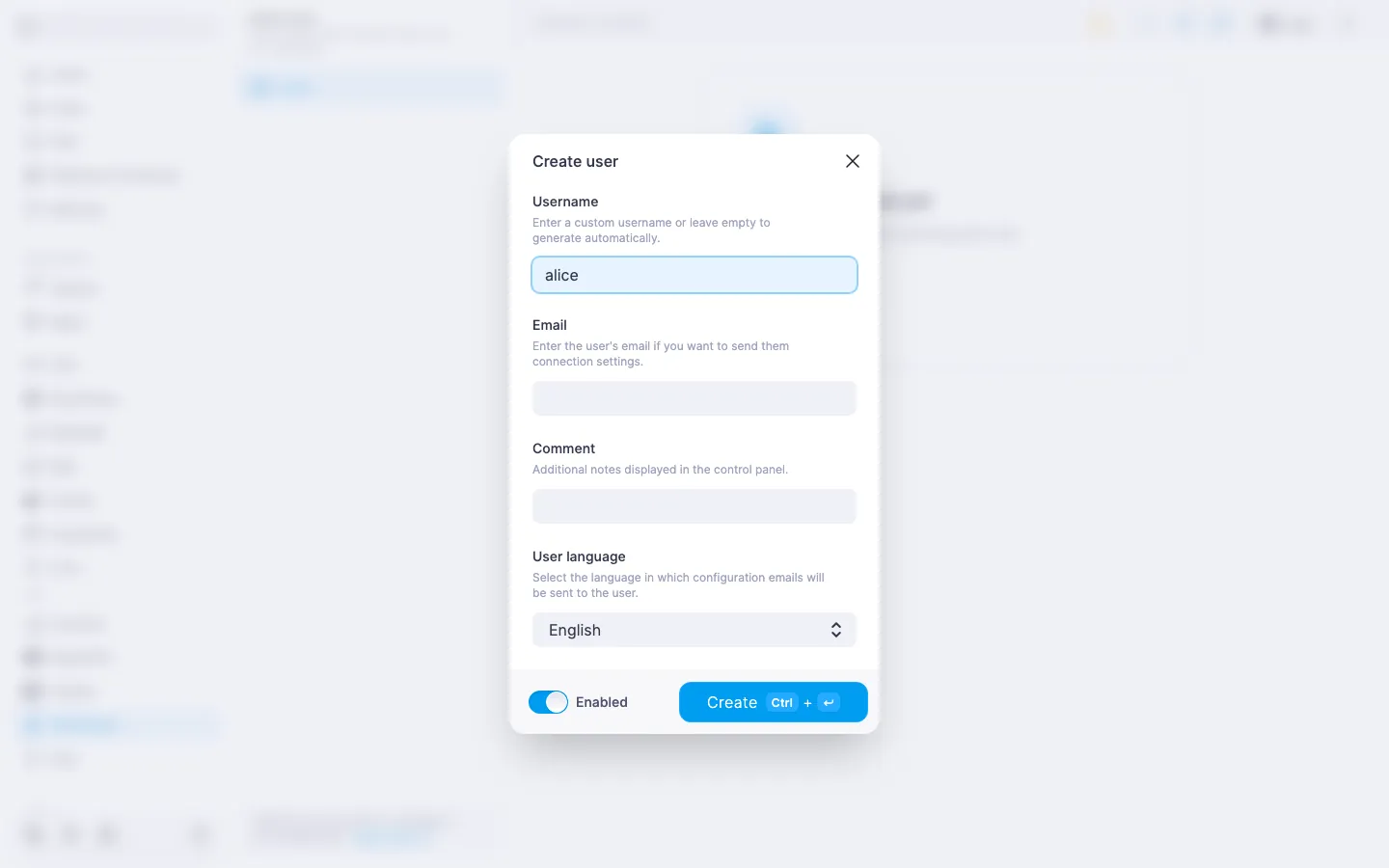
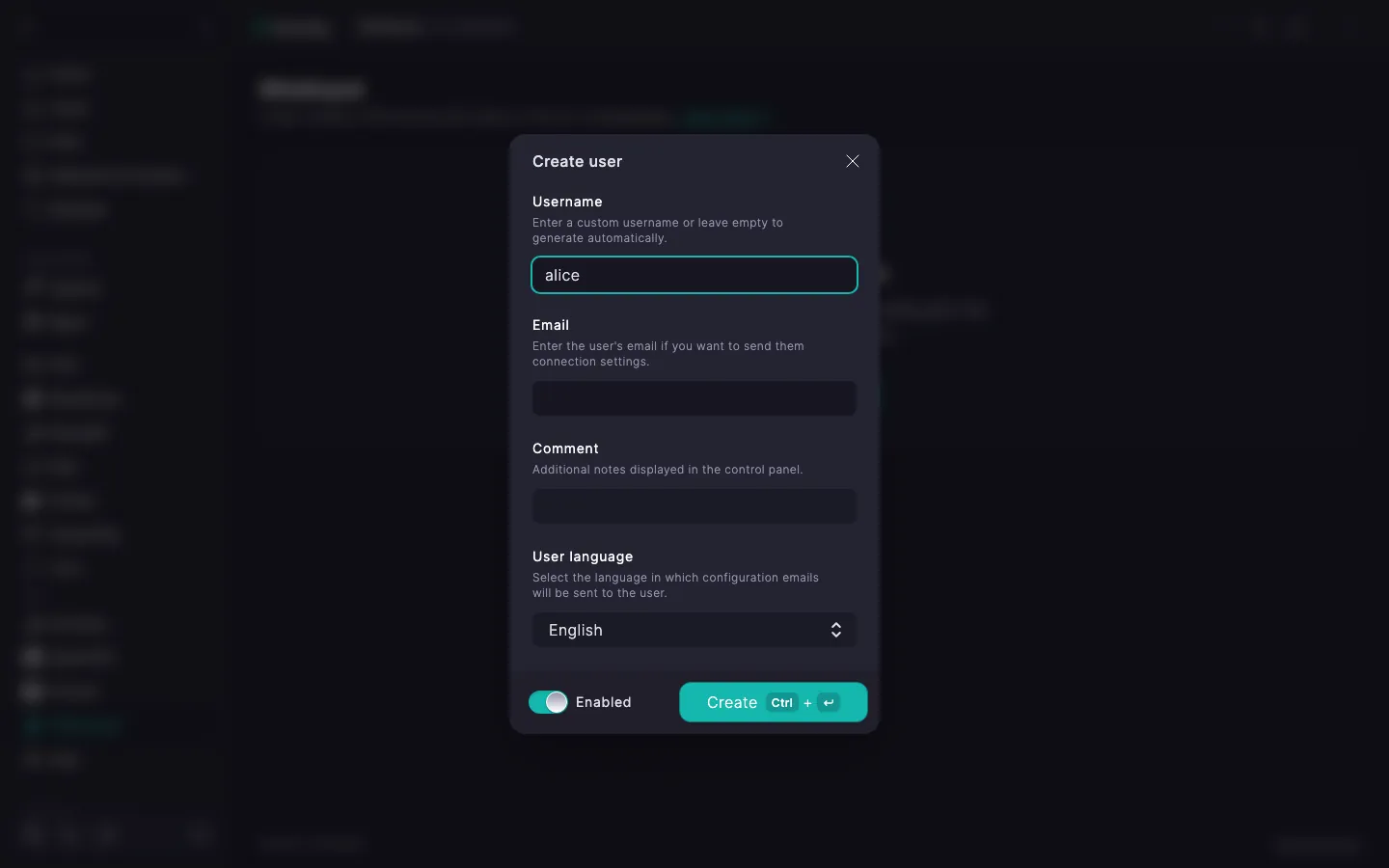
The user appears in the list. The server generates a key pair and assembles the .conf configuration file — you can grab it right away.
ℹ️ Default DNS and keepalive
When a user is created, the panel sets DNS to 1.1.1.1 from Cloudflare and the persistent keepalive interval to 25 seconds. You can change these values in the edit dialog — details in WireGuard. Managing users.
WireGuard uses a .conf configuration file and a QR code with the same config. Any WireGuard‑compatible client accepts either one — by importing the file or scanning the QR code.
.conf file or scan the QR code — see the steps for every platform in WireGuard. Setting up client apps.To confirm the VPN is working, open any IP‑check page in your browser, for example myip.com. If everything is set up right, it will show your server's country.
If SMTP is configured in the panel, the .conf file can be emailed to the user — handy when the device isn't at hand.
In the expanded user row click Email. The file is sent to the address provided when the user was created.
ℹ️ If SMTP isn't configured
The email button stays inactive and the expanded row shows a note with a link to the settings. Details — in How to set up an SMTP relay for sending email. Downloading the .conf file and the QR code work either way.